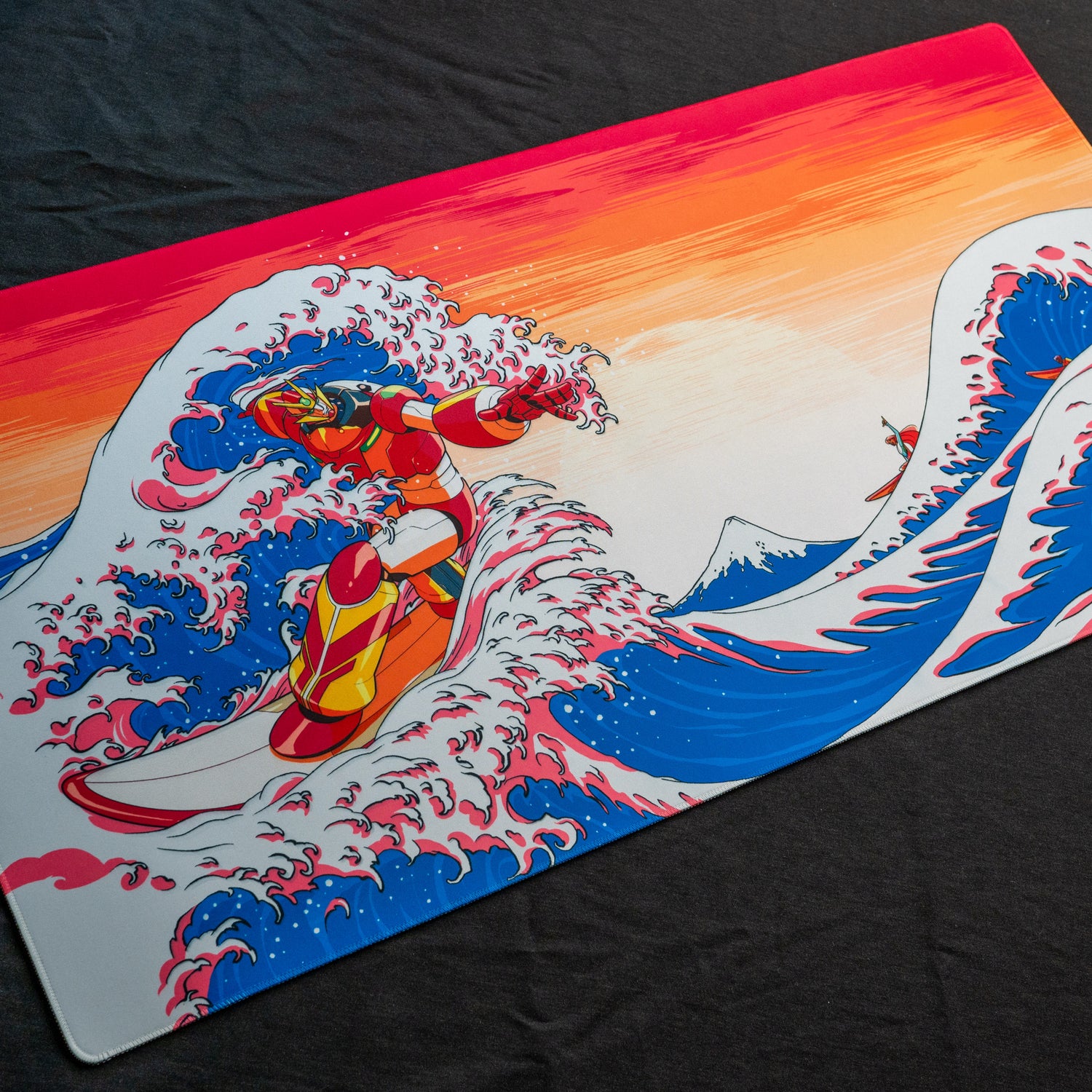
Also known as anime or manga-style shading, cel shading is a lot of fun and quite straight forward once you get the hang of it..
Archive for the ‘Basics 101’ category
Coloring Lineart – Part 3, Cel Shading
Filed under: Basics 101, Digital, Photoshop, Tutorial | Comments (2)
Coloring Lineart – Part 2, Auto Flatting
We return to flatting, but this time we’ll use a nifty plug-in workflow to speed up the process. For this tutorial, you’ll need to pick up the multifill and flatting plug-ins found at http://bpelt.com.
Filed under: Basics 101, Digital, Photoshop, Tutorial | Comments (4)
Coloring Lineart – Part 1, Hand Flatting
In this series, we’ll learn how to color black and white lineart. The first step is to flat your piece. Flatting separates the objects in your composition by color making it easier to select specific areas to color.
Filed under: Basics 101, Digital, Photoshop, Tutorial | Comment (1)
Sculpting With Monster Cutie
This week we depart from traditional illustration to talk a little about customizing urban vinyl designer toys and making your own with some sculpting materials.
Filed under: Basics 101, Traditional | Comments (2)
Back to the Drawing Board
Every once in a while, you may find yourself looking back at your body of work and thinking, “What the hell is all this garbage?” Well, I have personally come to such a time and it is why there haven’t been any updates for a while. After years of screwing around with the [...]
Filed under: Basics 101, Traditional | Comments (4)
Draw for a Living Part 3 – Winning Web Portfolio
You are a brilliant illustrator. Your friends think so. Your professors think so. That cute boy who never had the courage to ask you out but managed to sign up for all the same classes you did in art college thinks so. So why are you not making obscene amounts of [...]
Filed under: Basics 101 | Comment (0)