Manga Studio EX Test Drive

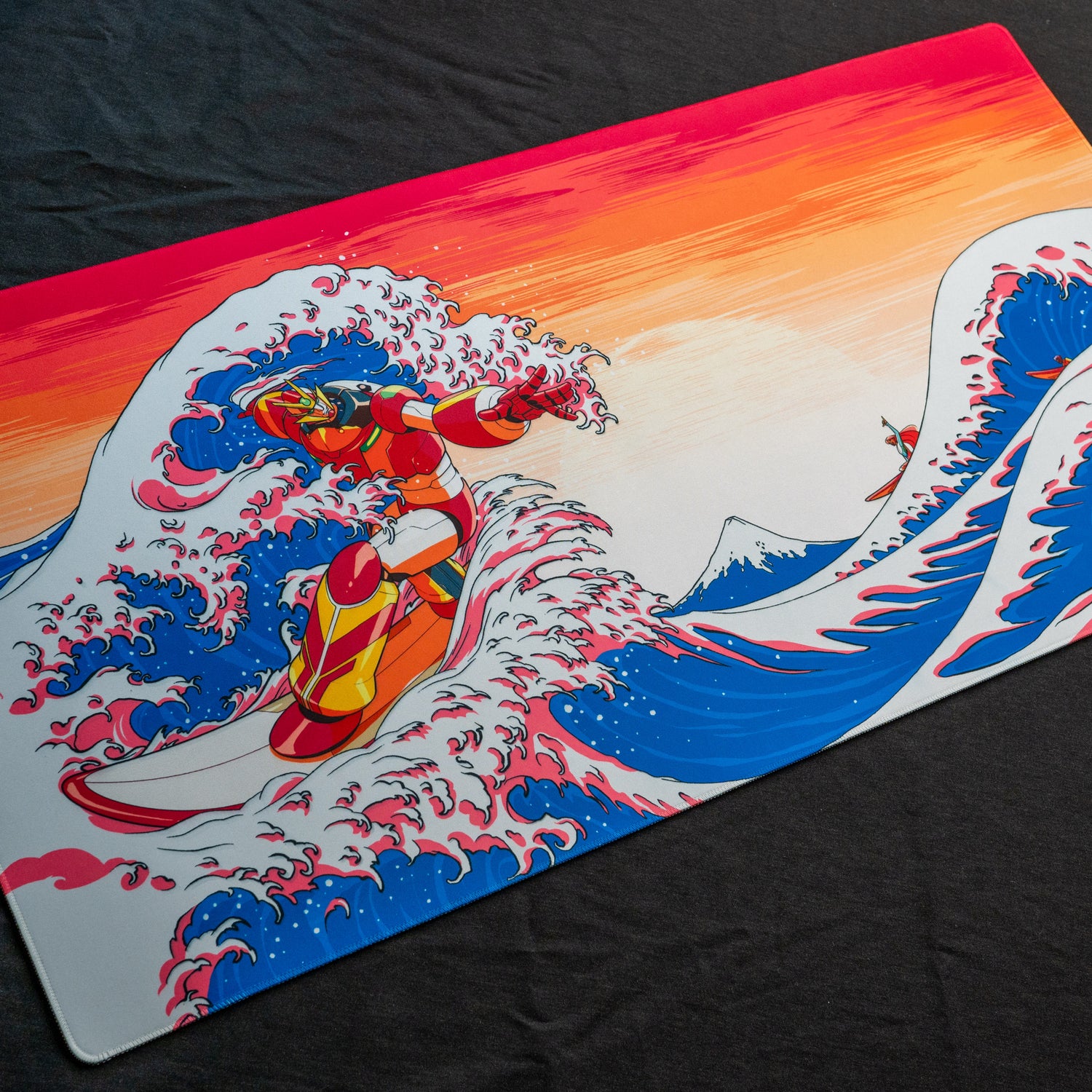
The good folks at SmithMicro sent along a review copy of Manga Studio EX so I thought I’d put it through its paces the only way monster cuties know how. I was most interested in its lineart/digital inking capabilities. Can it outperform Photoshop?

Overall, I’m fairly impressed with Manga Studio EX. It’s not going to take the place of my traditional brush inking for my comic, Yellow Peril, but I will definitely be messing around with it for single illustrations here and there. It might also be fun to do a 24-hour comic day challenge all in Manga Studio. Manga Studio comes in two flavors, Manga Studio EX for $299.99 and Manga Studio Debut for $49.99.

So here’s a quick rundown:

Loved

  • The way the digital nibs responded. Very natural feel. One of my favorite digital inking tools yet.
  • Ease of applying screen tones.
  • Very good response speed working at 600dpi.
  • Multiple pages in one file.
  • Ease of making panels and borders.
  • The fact that the sketches layer doesn’t render out. Very nice touch.
  • Ability to rotate page.

Not so loved

  • Tool layout. The menus take up quite a bit of real estate that should be used for drawing
  • Airbrush tool. I just don’t like it. It’s not really that bad, I just needed something else to make this list more than one item.
This entry was posted in Archive and tagged , , , , , . Bookmark the permalink.
  • http://witchytech.com/lifesawitch Samantha

    You’re in the beginner’s assistant mode. In advanced mode, the tools/windows can be moved around just like in photoshop.

    I am getting the hang of Manga Studio EX myself. I really love it for inking and talk balloons, but I do prefer to do my coloring and backgrounds in photoshop. I would LIKE to get more all-into Manga Studio, but I’m not confident enough with the program yet.

    I am glad you did this on video as well as posted your thoughts. I’m sharing this article with my friends who’ve also asked me how I like Manga Studio!

  • http://www.monstercutie.com Jamie

    Ah, I figured as much as I’m just starting to mess with the program. I will try to tool around with the advanced settings as I get more comfortable with it.

  • Pingback: uberVU - social comments

  • James

    Will you post again once you get the hang of the advanced features? And would you recommend starting out in beginner or advanced mode? (I mean which is better in the long run)

    The program looks pretty sweet. I wonder how big of a gap there is between the two versions that they need to charge that much.

  • http://www.monstercutie.com Jamie

    I think I’ll keep messing with it and try some of those more advanced settings until I get a layout that I like. Starting out with the beginner mode is probably your best bet, especially with the little helper turned on. Helps you understand what all the icons do since there’s a lot of new symbology to work out, especially if you’re used to the way Adobe does things.